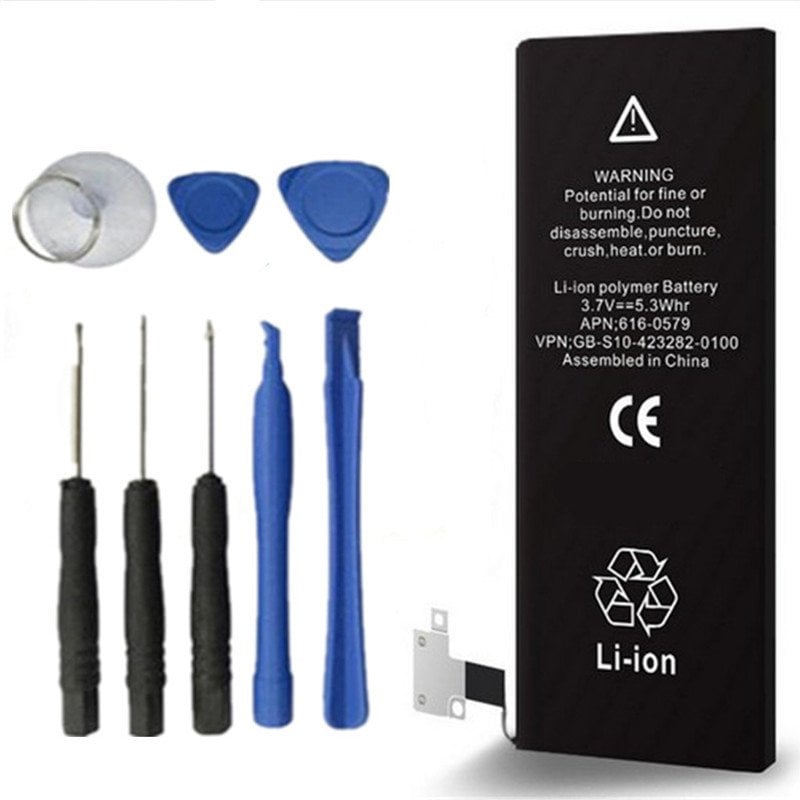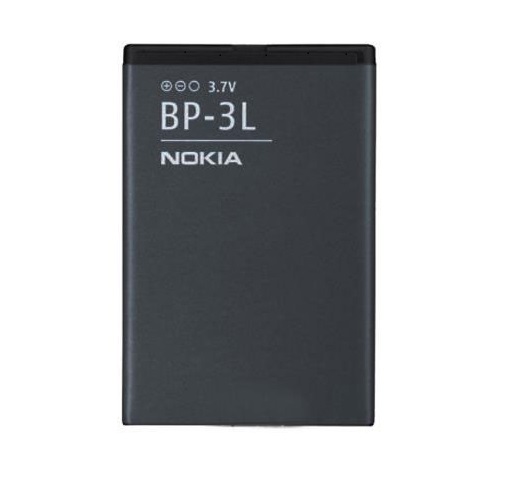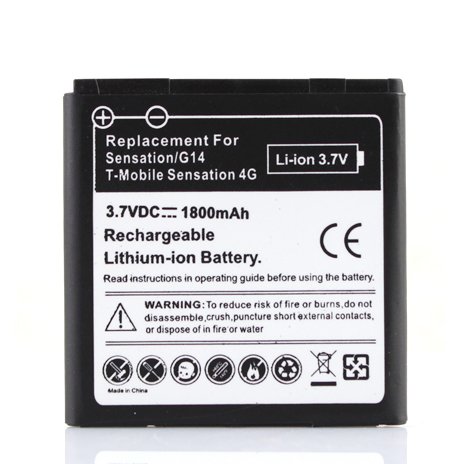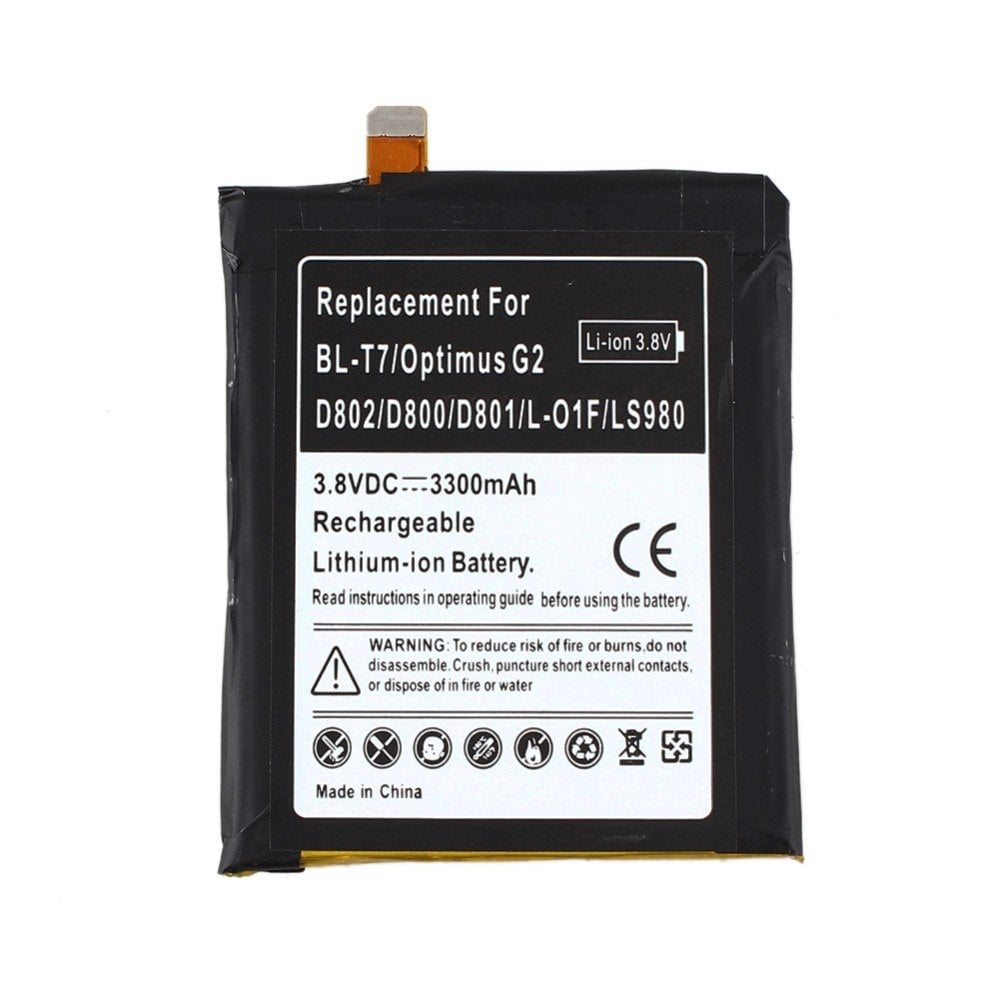
Samsung BN910BBK Battery 3220mAh 4.4V
Samsung BN910BBK Battery 3220mAh 4.4V Original price was: £29.99.Current price is: £23.99.
Back to products
EAC62058701 Battery 3Ah 3.8V
EAC62058701 Battery 3Ah 3.8V Original price was: £24.99.Current price is: £19.99.

XT1080 Battery 3500mAh 3.8V

SKU: 32860865989
  • Pick up from the Woodmart Store

To pick up today

Free

  • Courier delivery

Our courier will deliver to the specified address

2-3 Days

From $40

  • DHL Courier delivery

DHL courier will deliver to the specified address

1-2 Days

From $40

Original price was: £15.00.Current price is: £12.00.

125 in stock

125 in stock

Description

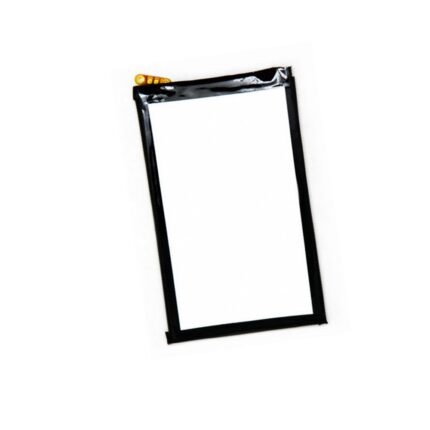
Our batteries are made from grade A cells which equates to a longer battery life and no memory effect. Has your droid ultra xt1080 been having issues keeping a charge? If that’s the case it may be time for a xt1080 replacement battery. We have you covered, our premium Li-Ion polymer phone batteries are always fresh stock because we are able to sell at volume and have a high turnover.

1 Year No Hassle Warranty
Brand: Motorola OEM Droid Ultra XT1080 Battery Replacement
Voltage: 3.8V
Capacity: 3500mAh
Chemistry: Lithium Ion
APN/MPN: SNN5925A

Droid Ultra Battery Compatible Models:

  • MAXX E0358
  • Ultra XT1080

How to replace the Motorola Droid Ultra XT1080 Battery:

Before replacing your Motorola phone battery please make sure to discharge the battery below 20%. A fully charged lithium-ion phone battery that is unstable or not handled correctly could combust or explode.

1: Remove the sim card tray.

2: Use a flat plastic opening tool to wedge between the frame and the plastic until you hear a click. Continue inserting the opening tool around the outside of the phone until all the clips are no longer attached.

3: Remove the screw holding the camera and five screws on the assembly. Then remove the remaining two screws on the bottom then remove the two plastic pieces from the phone and finally pry the battery out gently. The adhesive should come fairly easily.

4: Remove the four screws on the motherboard then pry it out of the way so you can access the LCD cables. Gently pry up on the two connector.

5: Replace the old battery and follow these steps in reverse.

Motorola Moto Droid Ultra XT1080 Phone Specs

All Motorola Phone Batteries

Specification

Overview

Battery Capacity(mAh)3500mAh
CompatibilityMotorola Droid Ultra XT1080 Motorola Droid MAXX E0358
Quality CertificationCE
Model NumberSNN5925A

Customer Reviews

Reviews

There are no reviews yet.

Be the first to review “XT1080 Battery 3500mAh 3.8V”

Your email address will not be published. Required fields are marked *